Padlet Intelligence - Your personal AI assistant
 Updated 3 days ago
by
Rana Wilds
Updated 3 days ago
by
Rana Wilds
Padlet Intelligence is an AI chat assistant available to help Teachers create the perfect padlet.
Who can access?
Padlet Intelligence is currently restricted to Teachers, Admins, and Owners within Padlet for Schools or Classroom accounts.
Click on the Settings cog icon (in the upper-right corner of the dashboard) > select the school workspace (from the top) > click Permissions > select Teachers (at the top) > toggle the button ON next to AI sidebar.
How to access
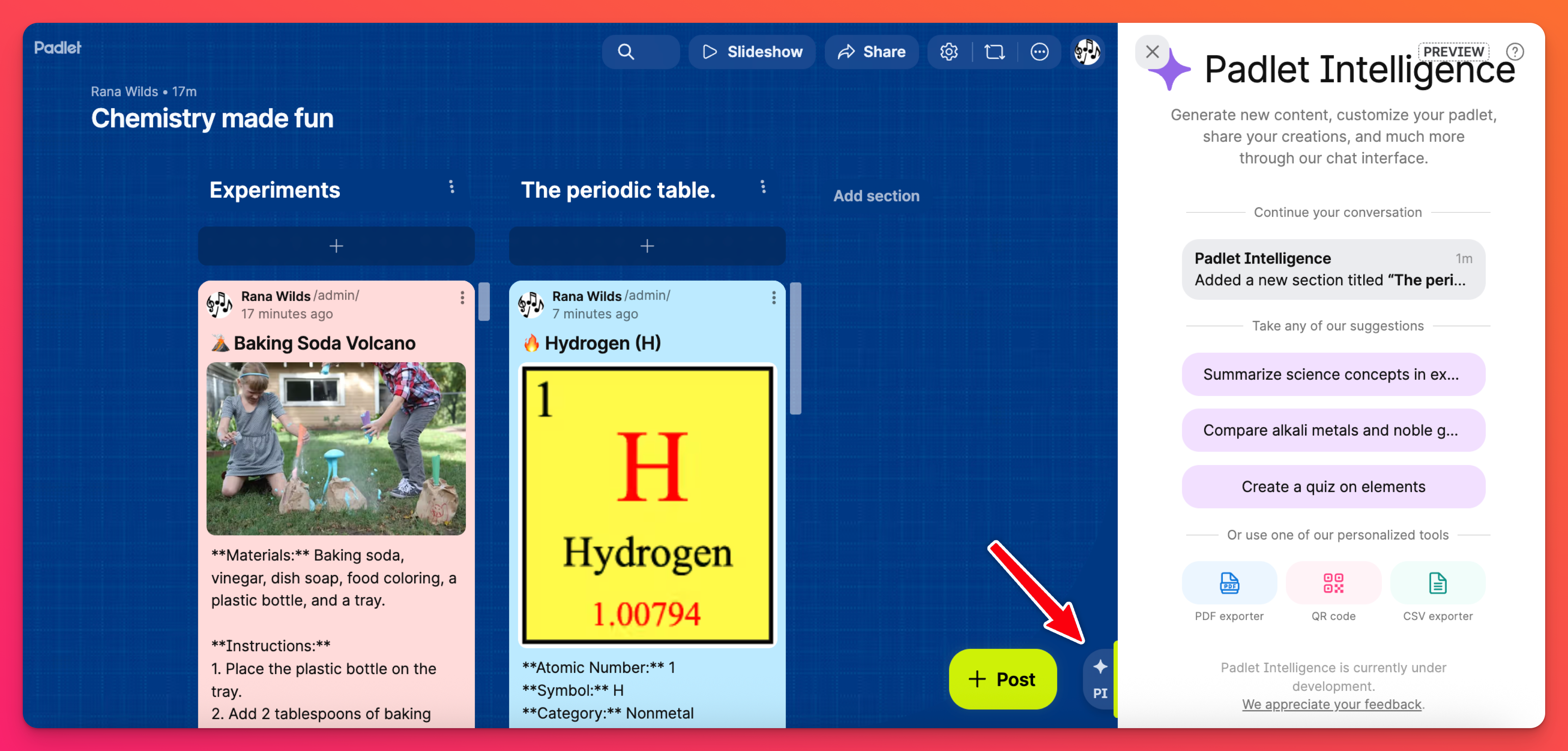
Open a padlet and click on the PI button (also showing a star ✨) . The Padlet Intelligence panel will open so you can get started!
What can it do?
Allow PI to provide suggestions, add photos to posts, create sections or custom fields, modify settings, etc.
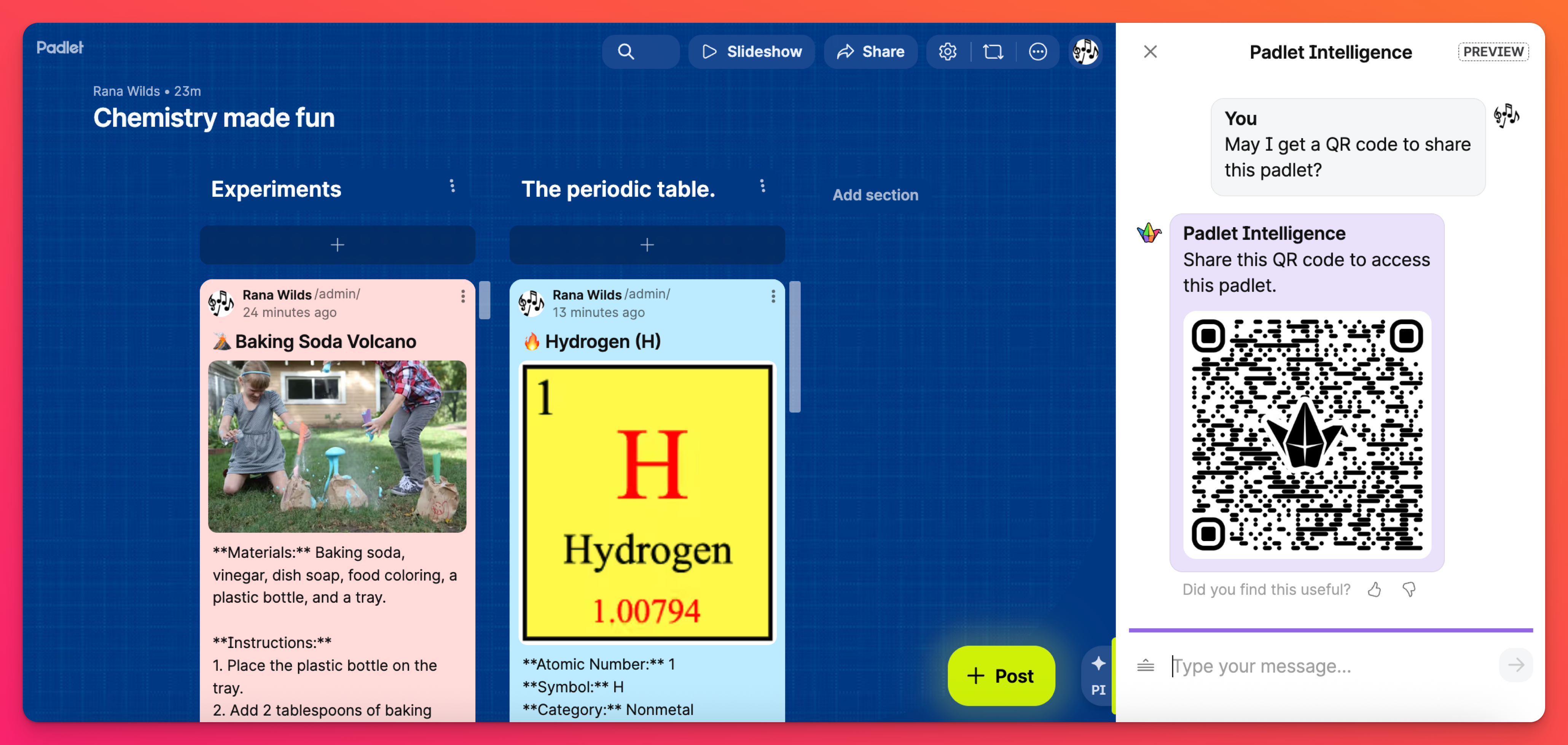
Padlet Intelligence can also:
- Answer any questions you have about Padlet features
- Summarize your board
- Generate a QR code
- Chat with you about the contents of your board
...and much more!
Privacy and Security
The AI that we use is hosted by a 3rd party service. We do not send any information to this AI other than:
- The board contents
- What you directly enter into the chat
- The preferred language you chose in your settings
