Leaderboard

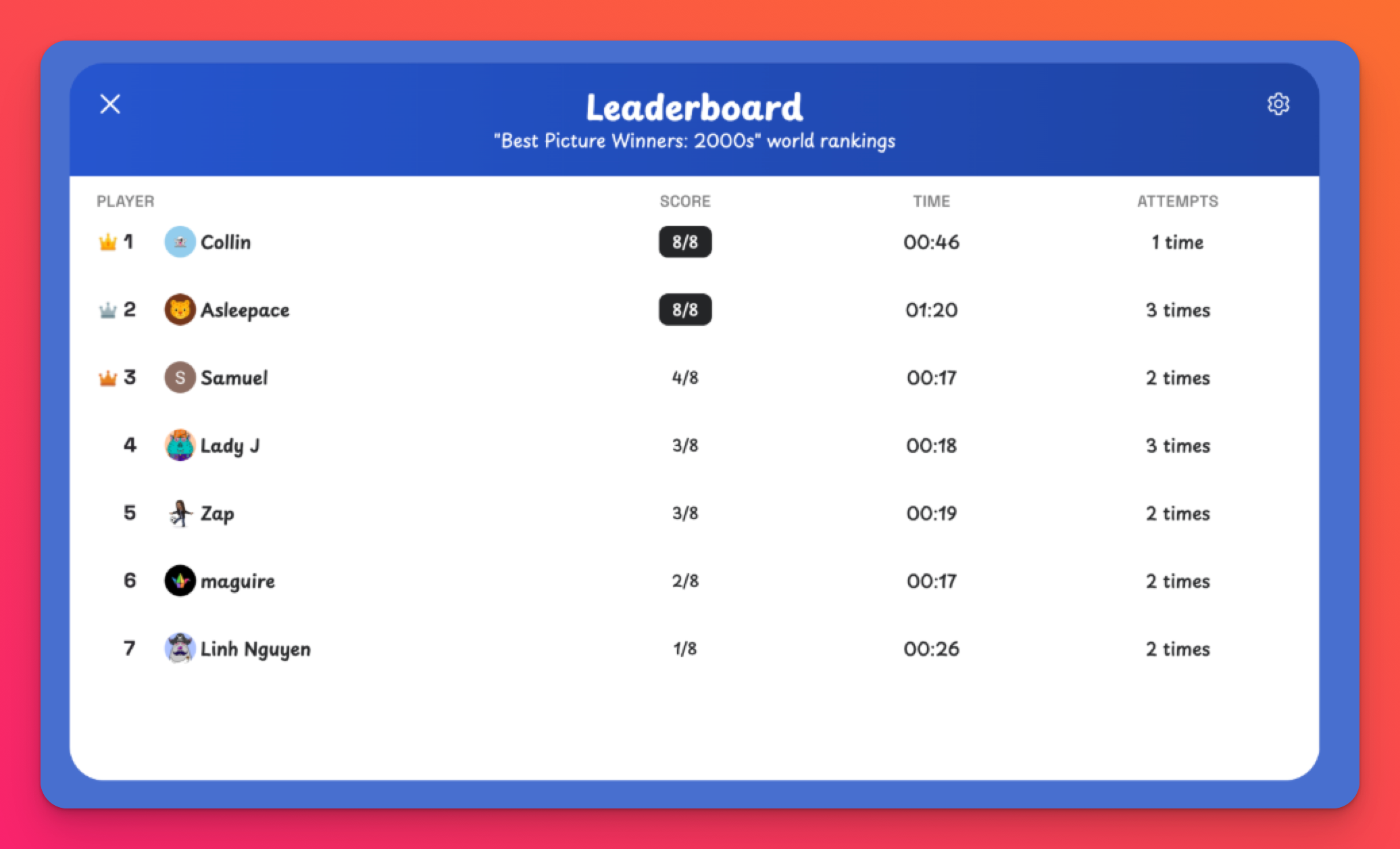
Each educational game in Padlet TA has a leaderboard to see the leading scorers. Teachers can use leaderboards to track comprehension for specific topics and students can create fun challenges for each other!
How does it work?
- Create a game or select one from our community
- Copy the game's play link and share it with others.
- Players will enter their names and start the game. Names are moderated to ensure they are appropriate for a school environment.
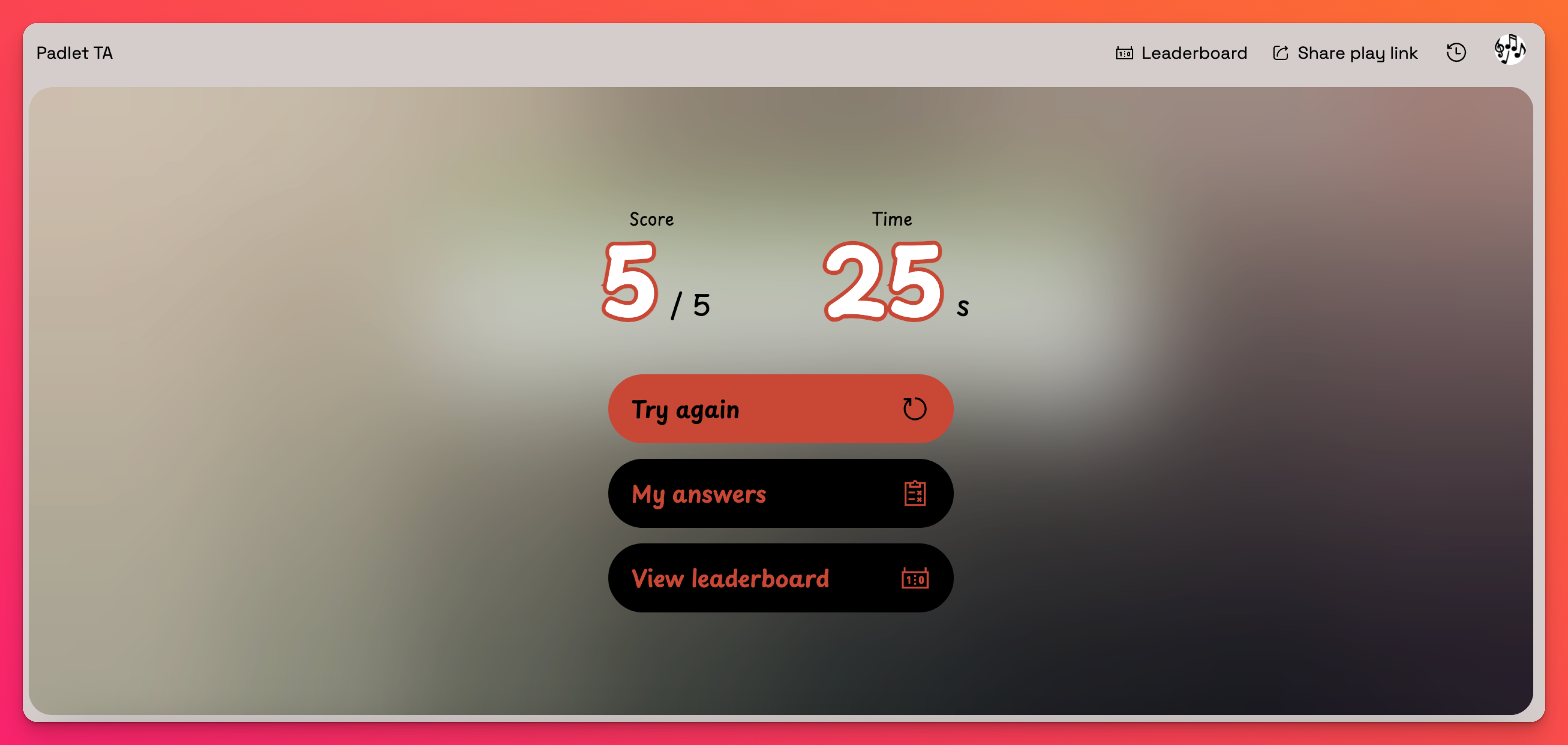
- Click Leaderboard (at the top) or View leaderboard (after finishing the game) to see the top scores!
Leaderboard settings
Navigate to the Leaderboard settings by following these steps:
- Open the game's Play link
- Select Leaderboard followed by the Settings cog icon at the top of the page
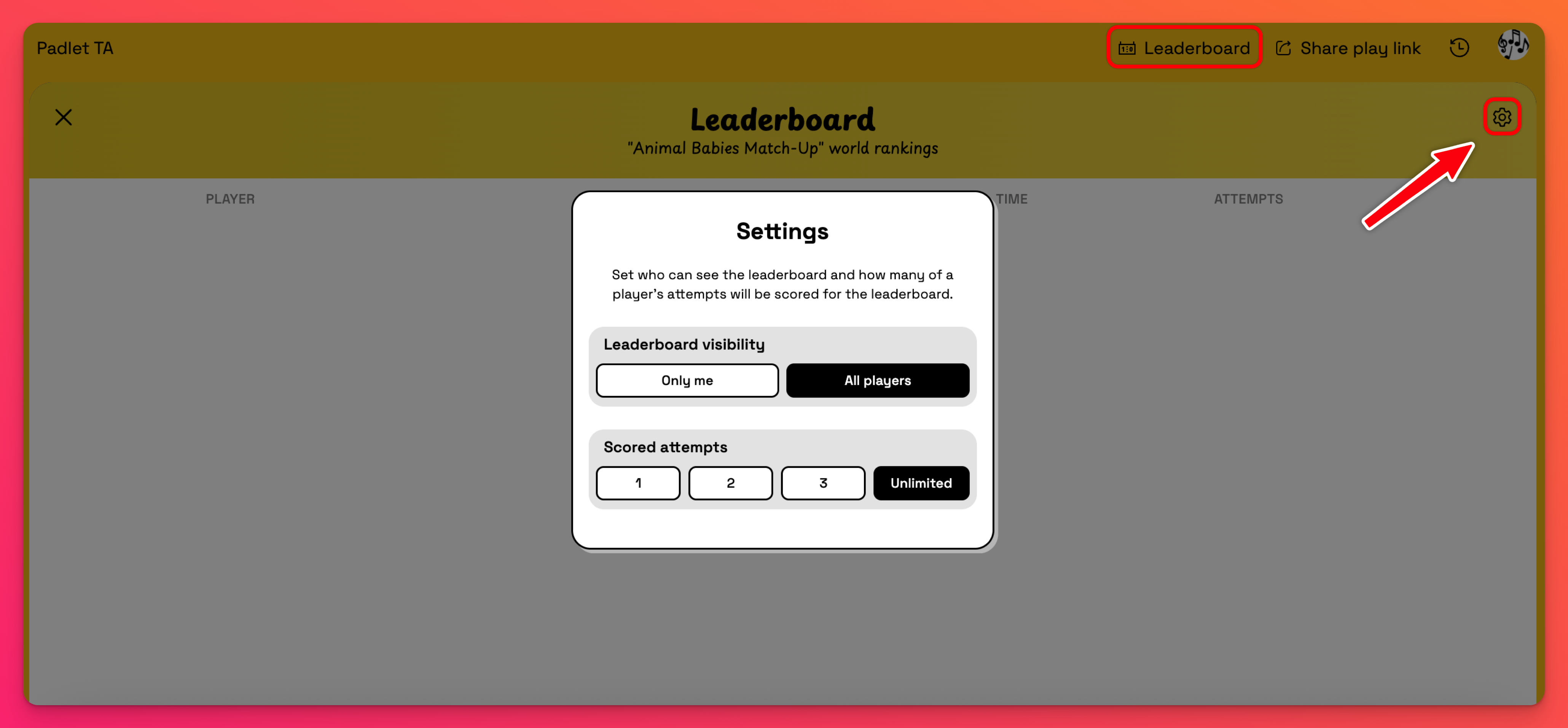
There are two settings for leaderboards:
- Leaderboard visibility: Determine who can see the leaderboard. Choose between:
- Only me - Giving only the creator of the game access to the leaderboard results
- All players [default] - Giving all players access to the leaderboard results
If you'd prefer students do not see others' scores, set 'Leaderboard visibility' to Only me. - Scored attempts: Determine the number of attempts by a player that will count toward the leaderboard. Choose between:
- 1, 2, or 3
- Unlimited [default]
If 'Scored attempts' is set to "3" and a user plays 5 times, only the first 3 scored attempts will count.Calculating leaderboard rankings
A player's ranking in the leaderboard is determined by their best score out of their scored attempts. The higher the score, the higher the ranking in the leaderboard. The time it takes someone to complete the game acts as the tie-breaker between equal scores.