View post timestamp
 Updated 1 day ago
by
Rana Wilds
Updated 1 day ago
by
Rana Wilds
When was this post published? Is there a way to find out? Yes!
If you're the board owner and need the timestamp to display, these are the steps to follow:
- Click the Settings cog icon (⚙) on the sidebar.
- Under Posts, toggle the button ON next to 'Author name and time.'
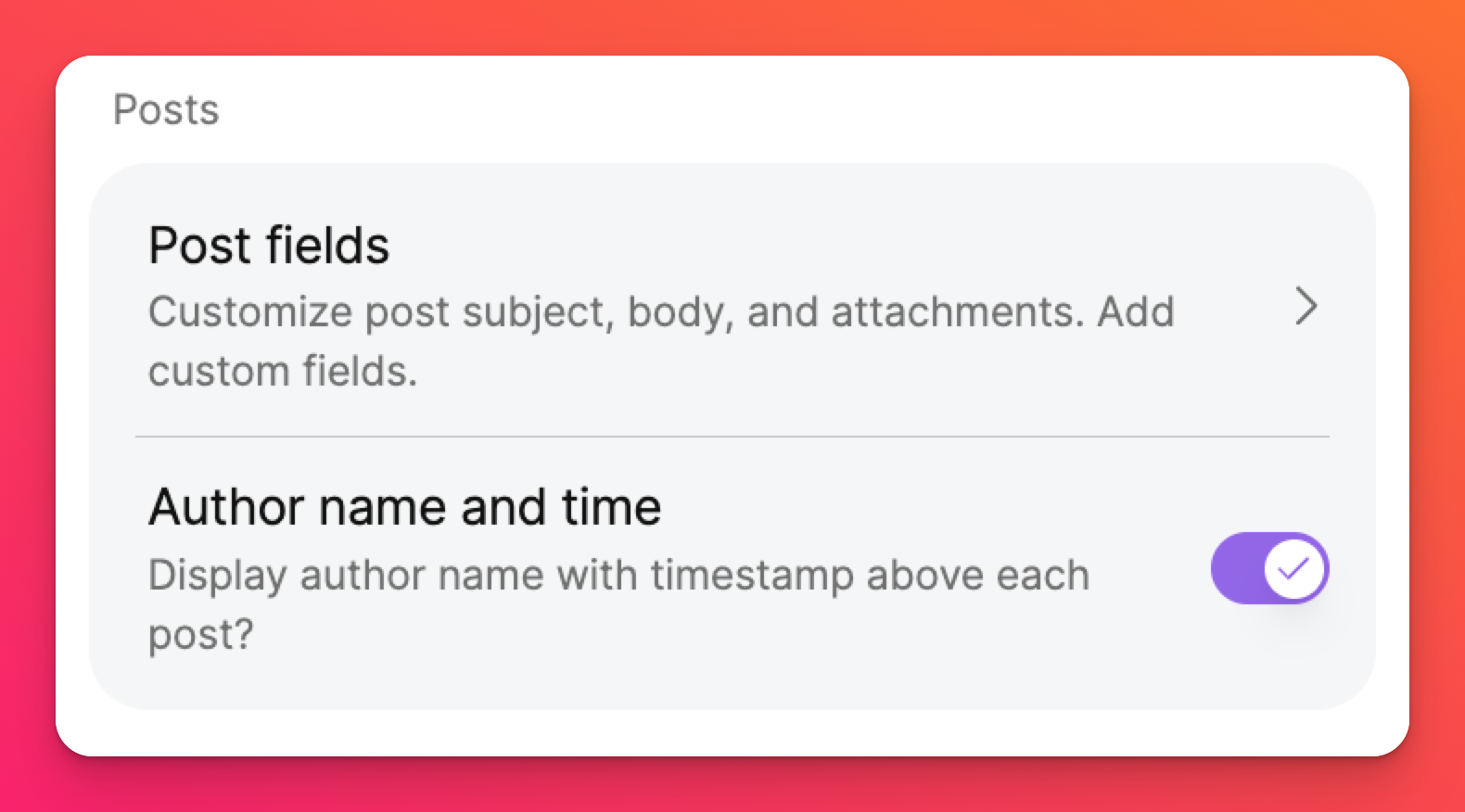
- Close the panel.
The original publish date is posted on the top-left side of the post next to the author's name.
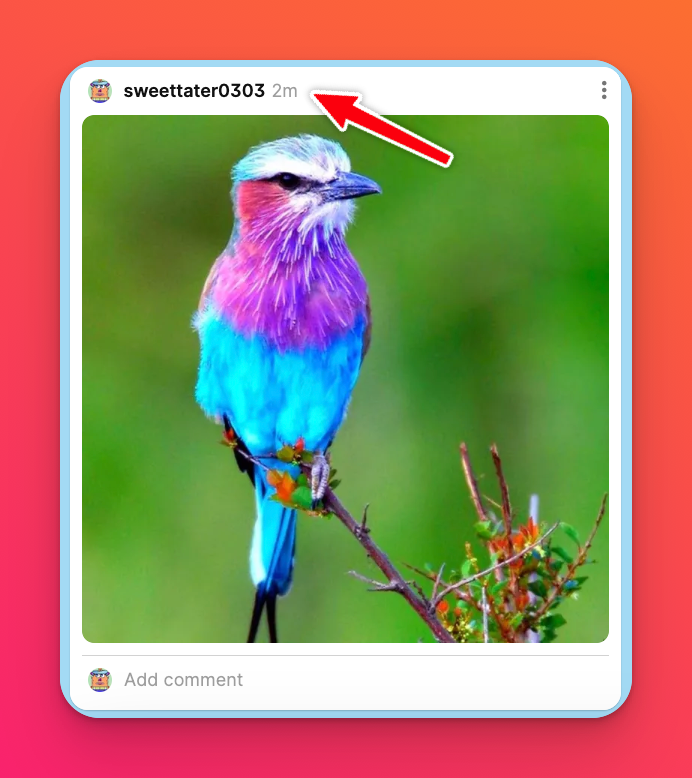
Move the cursor over the timestamp to view the date and time.
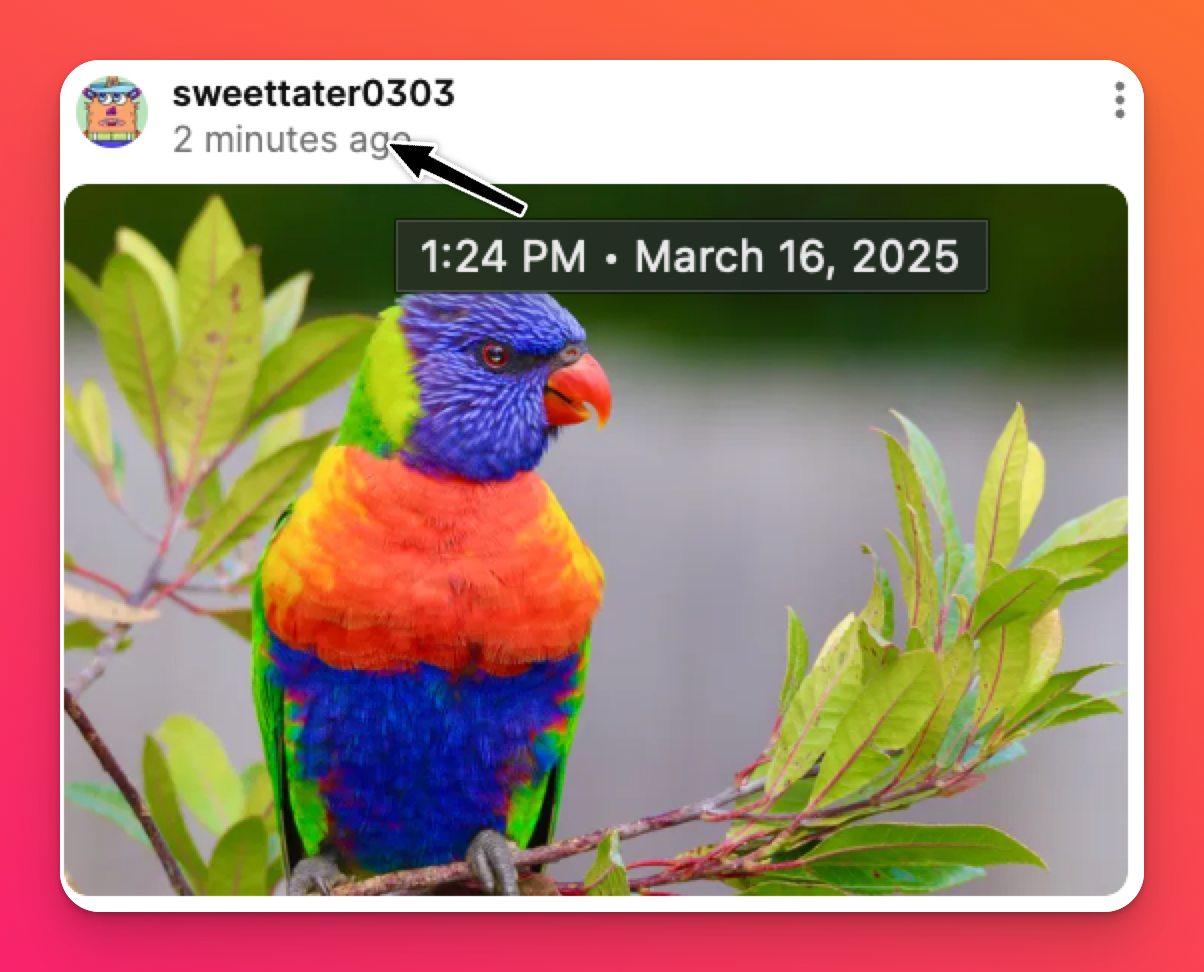
You can also find the timestamp in the Activity panel. Find the activity panel by clicking on the three-dot ellipsis button (...) and selecting Activity. Hover your mouse over the timestamp under each post.
FAQs
I just updated my post but the timestamp didn't update. Why?
The timestamp that is displayed on your post reflects the time it was originally posted. If you need timestamps for the most recent update to your post, you can export your board as an Excel file and it will be displayed there.
